
Product guide • 7-page PDF
Paktera WMS product guide
A 7-page overview of workflows, modules and implementation.
What does the Paktera WMS guide cover?
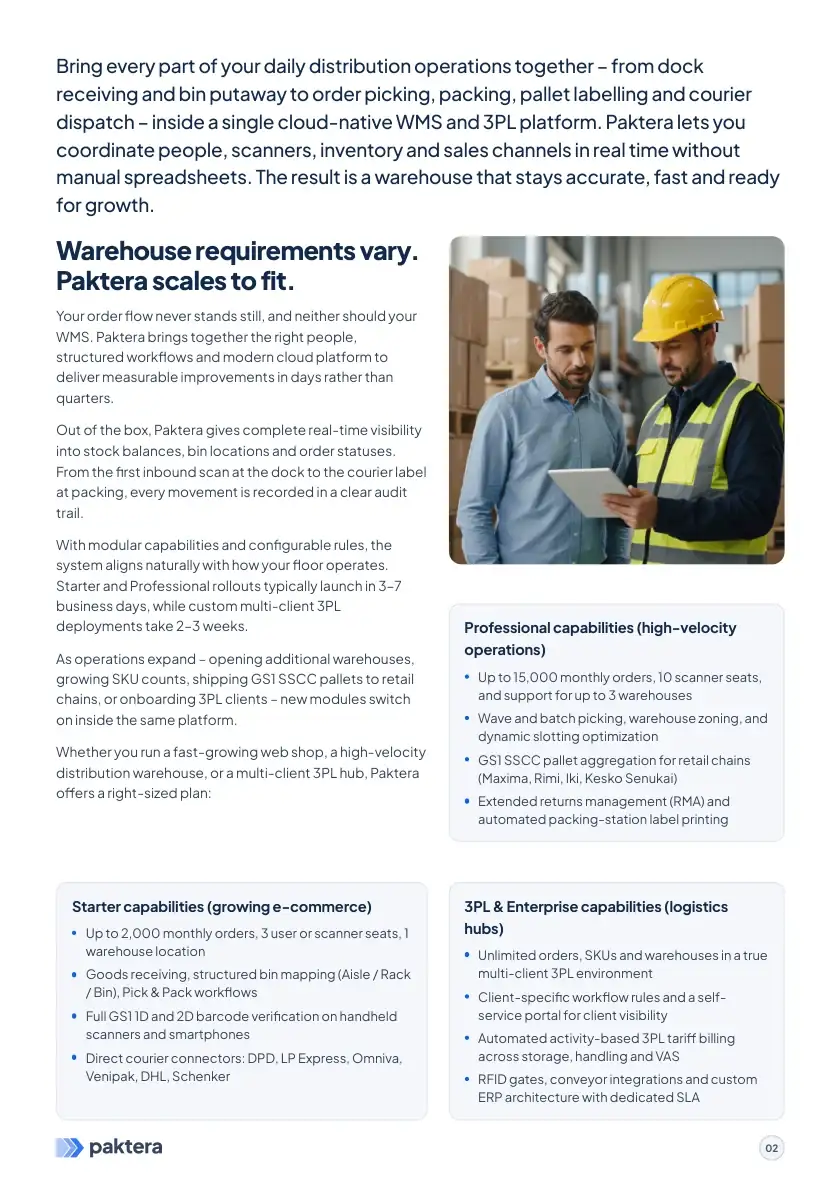
The guide follows one connected warehouse workflow: receiving against an order or ASN, location assignment, replenishment, picking, packing, shipment preparation and returns. Each action is tied to a specific item, storage location and task, making it easier for the team to see what has been completed and where a discrepancy appeared.
It also explains day-to-day WMS functions: aisle, rack and bin addressing, FIFO or FEFO allocation, cycle counting, GS1 and SSCC labelling, and mobile scanner workflows. For 3PL warehouses, the guide covers multi-client stock separation, client-specific operating rules and service-billing scenarios. It is a practical overview for deciding which capabilities matter to your operation.
The guide outlines ecommerce, ERP and carrier integration options, including Shopify, WooCommerce and eBay. Some connectors and synchronisation flows are configured for each project, so readiness, data fields and implementation scope are confirmed during technical discovery. Before a demo, you can also review inventory management, 3PL capabilities and integrations.
How can you use the guide to evaluate a WMS?
Compare the workflow in the guide with the way your warehouse operates today. Note where data is entered more than once, how stock is checked, and where a picking or dispatch error is recorded. During a demonstration, walk through one real order from receipt to shipment, including an exception.
If multi-client 3PL accounting matters most, bring an example of client separation and service billing. For integrations, list which systems send orders and which stock or shipment data must return. The guide helps frame these questions; readiness and implementation scope for each connector still need separate confirmation.